AI Productivity Tools: Boost Your Daily Efficiency by 10x
"The evolution of your tools is no longer just a convenience—it is the new baseline for professional survival."
In 2026, AI productivity apps have transitioned from simple assistants to "digital personas" that can replicate and automate your cognitive workflows. Success in today's market depends entirely on how effectively you integrate these smart workflows into your daily routine.
* AI Knowledge Management: Intelligent databases that connect fragmented ideas rather than just storing text. * Generative Writing Partners: Tools that handle everything from initial drafts to tone adjustments and summarization. * Smart Scheduling: Time-management apps that proactively protect your "deep work" blocks based on priority. * Workflow Automation: The connective tissue that moves data seamlessly between disparate software ecosystems.

Why is the AI Productivity Shift Happening Now?
We are currently moving through a massive paradigm shift in how humans interact with software. In the past, we spent hours manually inputting data into rigid systems; today, AI understands human intent and suggests optimized processes to us.
This leap is being fueled by massive hardware breakthroughs. According to Samsung Electronics' 2025 annual report, the company has achieved significant milestones in high-performance storage specifically for generative workloads.
For instance, they have begun mass-producing the 'PM1763' eSSD for AI applications. This hardware is currently being integrated into NVIDIA’s Vera Rubin platforms to handle massive datasets.
This evolution means that the AI tools we use on our laptops and phones are becoming exponentially faster. We have officially entered the era of "On-Device AI," where heavy computation happens locally, providing instant results without constant cloud lag.
Which AI Tools Actually Fit Your Workflow?
Not every app is right for every job. To maximize your ROI on subscription fees, you need to categorize your needs into one of these three core pillars.
1. Intelligent Note-Taking & Knowledge Management The days of "digital hoarding"—saving endless files you never read again—are over. Modern AI note apps act as a second brain by organizing scattered thoughts automatically.
* Key Features: Real-time transcription, automated tagging, and OCR for images. * Use Case: Recording a chaotic brainstorming session and having the AI instantly convert it into an organized project brief.
2. Generative Content & Document Creation This category solves "blank page syndrome," helping you move from a concept to a polished document in minutes.
According to Gartner's 2025 technology trends analysis, generative AI adoption in professional documentation has increased by over 65% year-over-year.
* Key Features: Outline generation, stylistic adjustments, and rapid summarization. * Use Case: Uploading a 50-page industry whitepaper and asking the AI to extract five key market insights for a board meeting.
3. Smart Scheduling & Time Management These tools don't just remind you of meetings; they predict how much time you actually need to complete tasks.
According to Microsoft's 2025 Work Trend Index, employees using automated scheduling assistants reported a 30% reduction in "meeting fatigue" compared to the previous year.
* Key Features: Automatic "Deep Work" block protection and deadline-based reverse scheduling. * Use Case: When an emergency meeting is booked, the app automatically reshuffles your remaining tasks into optimal windows.

My Real-World AI Workflow: A Step-by-Step Guide
I recently overhauled my daily routine to rely on these tools, and the results were immediate. I remember sitting at my desk last Tuesday, feeling overwhelmed by 40 unread newsletters, and realized how much time I was wasting.
Here is the exact sequence I follow now to stay ahead of my workload:
- 09:00 AM (Information Synthesis): I run all overnight newsletters through an AI summarizer. Critical items go directly to my AI knowledge base.
- 10:00 AM (Strategic Planning): I use generative AI as a sparring partner. I’ll ask, "What are three potential risks in this project plan?" to add depth to my strategy.
- 02:00 PM (Drafting & Documentation): Instead of writing from scratch, I use an AI writer to build the structure. I spend 80% of my time refining logic and only 20% on prose.
- 05:00 PM (Schedule Optimization): My scheduling app looks at my energy levels to suggest an optimized calendar for tomorrow.
By implementing this routine, I found that the time spent on "shallow work"—like email triage—dropped by over 40%. This allowed me to focus almost entirely on high-level decision-making.
Comparing AI Productivity Categories
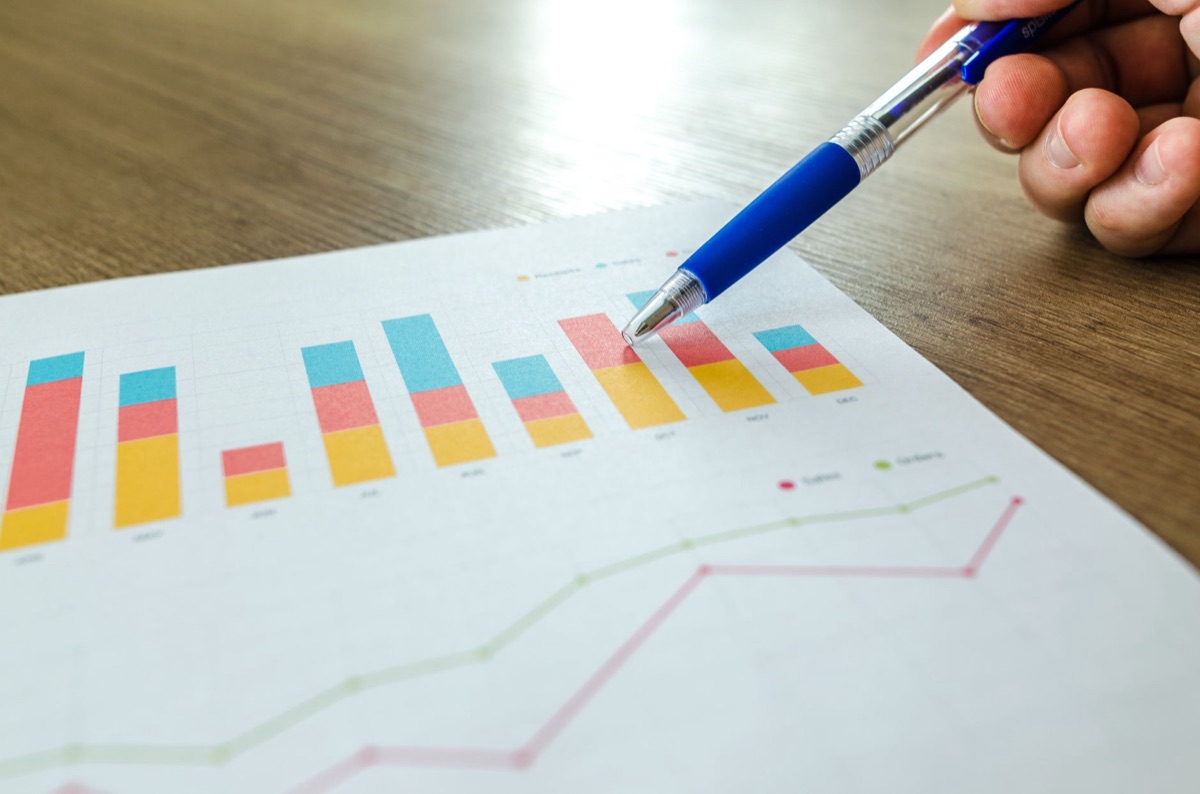
Choosing the right tool can be overwhelming. Use this comparison table to decide where to invest your time and budget first.
| Category | AI Knowledge Management | Generative Writing | Smart Scheduling |
|---|---|---|---|
| Core Value | Information connection | Reducing creation time | Execution & focus |
| Primary User | Researchers, Analysts | Marketers, Writers | Managers, CEOs |
| Learning Curve | Moderate | Low | Low |
| Best Workflow | Idea archiving | Content production | Daily routine management |
*Note: Features and pricing vary significantly based on individual software providers.*
However, a word of caution: AI is not infallible. You must be aware of "hallucinations"—instances where the AI confidently presents false information as fact.
Always verify critical data, especially in legal or financial documents. Furthermore, over-reliance can lead to a decline in original thinking. View AI as an "exoskeleton" for your mind, not a replacement for it.








Comments 0